Nano Banana 2 for Rapid Storyboards and Keyframes
Turn references and story beats into consistent frames, scene options, title cards, and video planning assets.
Why creators use Nano Banana 2
- 01
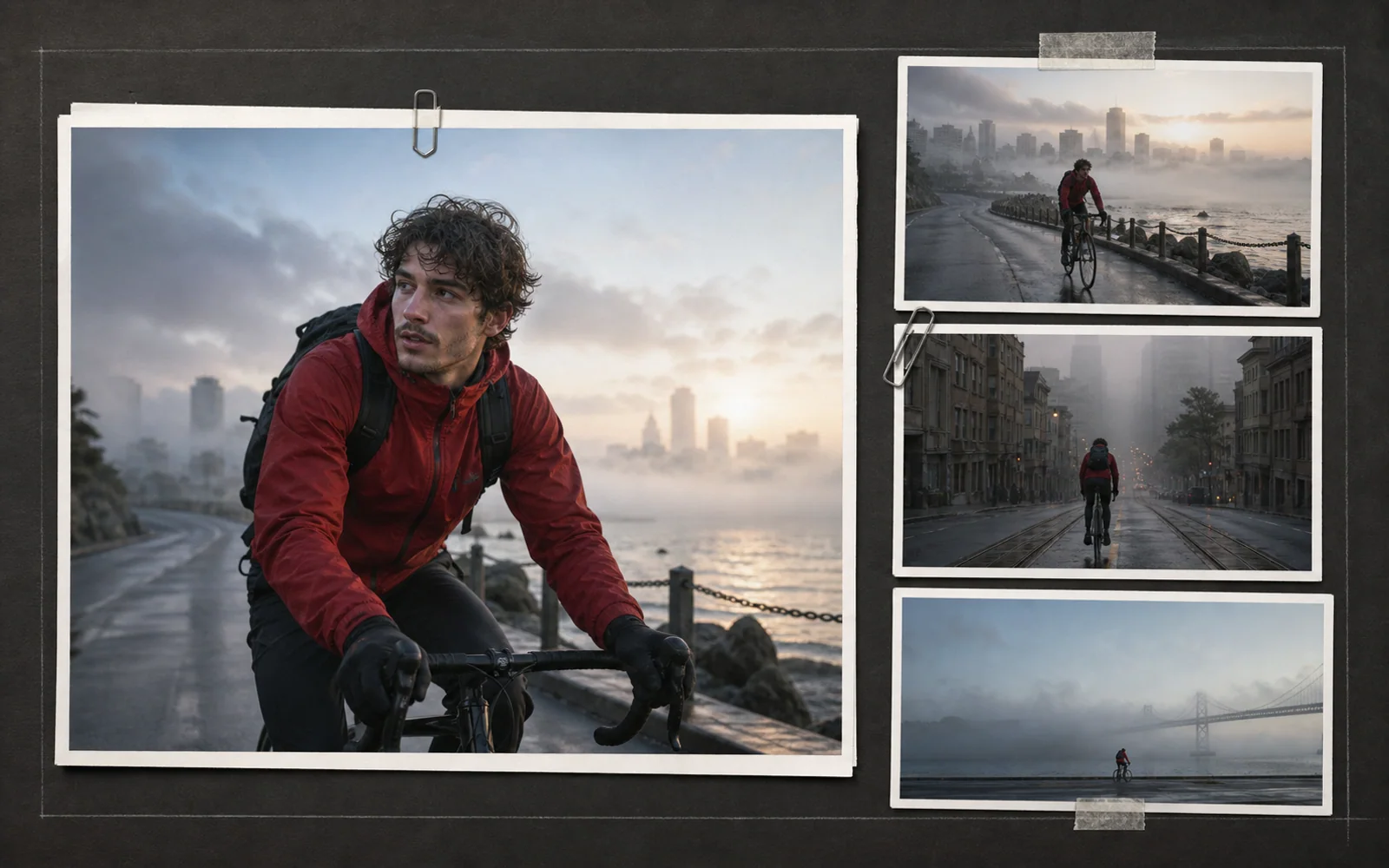
Gemini 3.1 Flash Image is a fast, general-purpose image generation and editing model.
- 02
Subject consistency helps characters, products, and locations remain recognizable across a sequence.
- 03
Multiple references can guide identity, wardrobe, props, environments, and visual tone together.
- 04
World knowledge, image search grounding, multilingual text, and up to 4K output support practical production tasks.
What is Nano Banana 2?
Nano Banana 2 is the name used for Gemini 3.1 Flash Image. Google describes it as a high-efficiency image model that brings advanced image generation and editing into a responsive creative workflow.
For video teams, its value is iteration. A director can explore a scene from several camera positions, keep a subject recognizable, combine visual references, and prepare working frames before committing time to animation, footage, or a longer render.
Built for a responsive image loop
The model helps preproduction teams test more visual decisions while keeping the sequence understandable.
Fast generation and editing
Move between first frames, alternative compositions, and targeted corrections without turning every test into a final-production pass.
Subject continuity
Keep a person, product, or location recognizable while camera distance, pose, action, and framing change.
Multi-reference direction
Combine separate identity, wardrobe, prop, environment, and style references into one coherent shot request.
World knowledge and grounding
Use the model's knowledge and image-search grounding when a frame depends on real places, objects, or current visual context.
Production-ready image options
Prepare images up to 4K and place clear multilingual text into title cards, posters, and planning graphics.
Useful roles before video generation
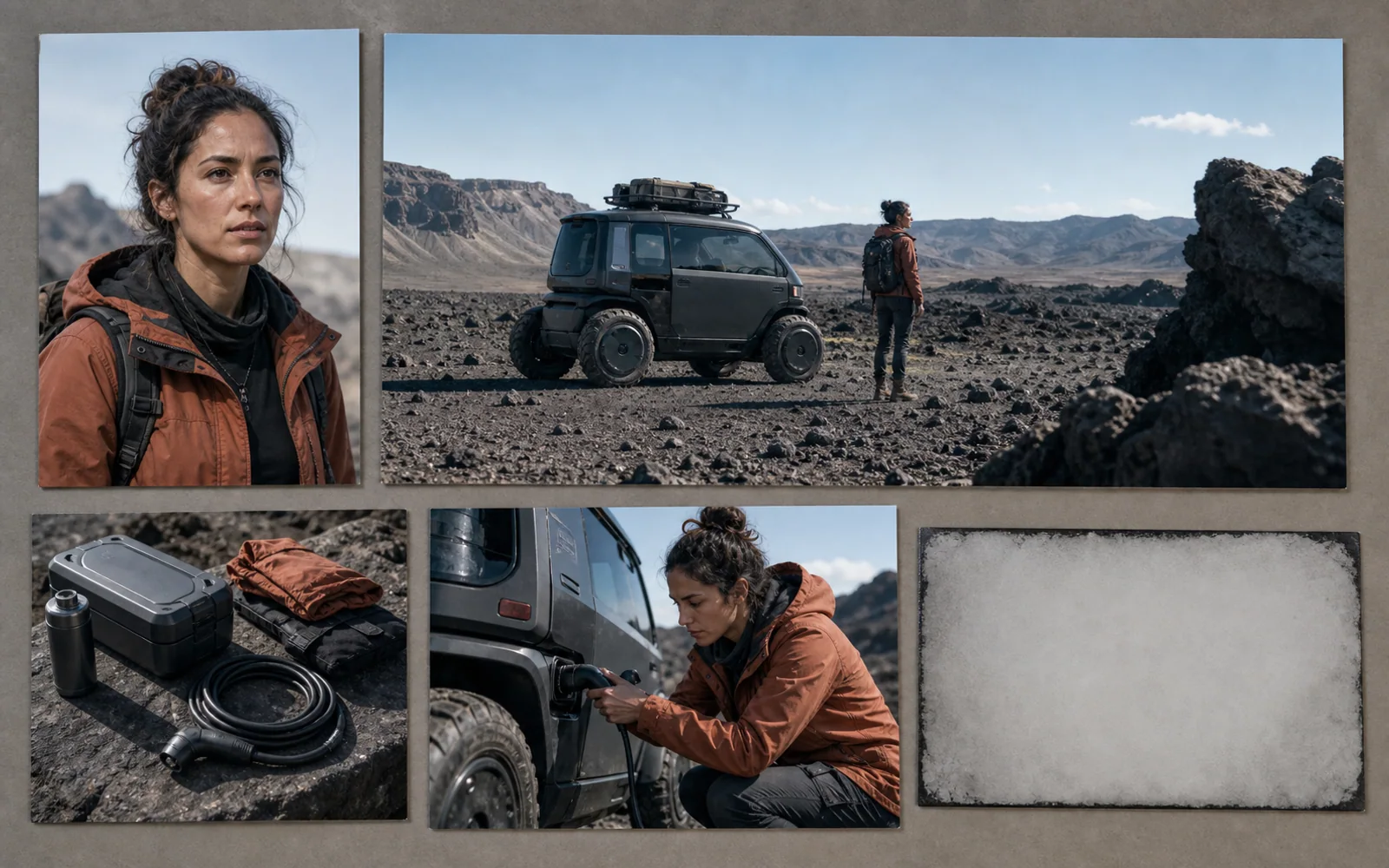
Each use case shortens a different decision that normally happens before motion work starts.
Rapid storyboards
Translate a short story beat into readable wide, medium, and close frames for team discussion.
Keyframe exploration
Compare lighting, lens distance, action timing, and composition before selecting a motion target.
Consistent scene alternatives
Test new locations, weather, wardrobe, or staging while keeping important subjects recognizable.
Localized visual planning
Develop title cards, posters, and regional mockups with text and layouts suited to each audience.
Nano Banana 2 and Nano Banana Pro serve different tempos
Choose by the pace and depth of the current decision, not by an unsupported universal ranking.
| Production decision | Nano Banana 2 | Nano Banana Pro |
|---|---|---|
| Iteration tempo | Responsive generation and editing for exploring many usable options | More deliberate reasoning for a complex professional brief |
| Reference behavior | Useful for consistent subjects and combined references across working frames | Useful for a tightly controlled family of detailed final assets |
| Frame purpose | Storyboards, keyframes, scene variants, social concepts, and title cards | Campaign masters, information graphics, product visuals, and polished source art |
| Decision point | Best when the team needs to learn quickly through visual alternatives | Best when the team already has a demanding final specification |
Plan a sequence with Nano Banana 2
Use four clear actions to turn a story idea into selected frames for the next video stage.
- 1
Describe the story beat
State the action, emotion, location, time, and camera purpose for the moment you need to visualize.
- 2
Gather visual anchors
Choose references for the subject, wardrobe, props, environment, and visual language that must carry across frames.
- 3
Create useful alternatives
Generate changes in shot size, angle, staging, lighting, or timing while protecting the core identity.
- 4
Select the motion target
Choose the strongest frame, verify continuity and text, then pass it into storyboarding or video production.
Try the workflow in your language
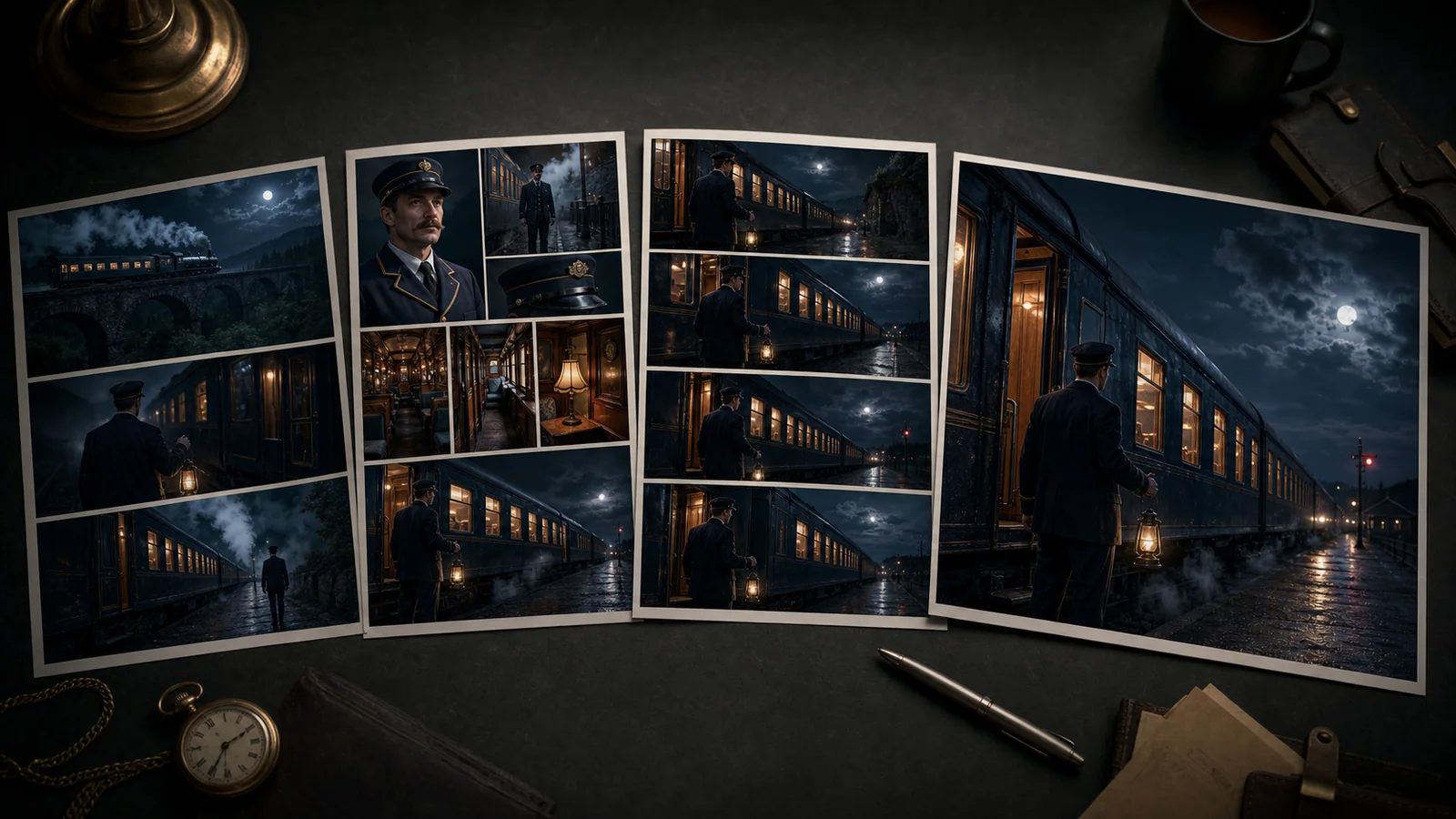
The localized guide below offers a focused place to continue when your storyboard or keyframe brief is ready.
Explore Nano Banana 2Nano Banana 2 questions
Clear answers about model identity, speed, references, consistency, output, and video planning.
01What is Nano Banana 2?
Nano Banana 2 is the name used for Gemini 3.1 Flash Image, Google's fast general-purpose model for image generation and editing.
02Is Nano Banana 2 suitable for storyboards?
Yes. Its responsive generation, editing, reference handling, and subject consistency make it useful for exploring shots and previsualizing sequences.
03Can Nano Banana 2 keep a character consistent?
Google highlights subject consistency across images. Clear identity references and stable descriptions still help a team maintain continuity.
04Can Nano Banana 2 combine multiple reference images?
Yes. Multiple references can provide complementary guidance for subjects, objects, environments, wardrobe, and visual style.
05Does Nano Banana 2 support 4K output and text?
Google's documentation lists image output up to 4K and reliable text rendering, including multilingual visual work.
06How does Nano Banana 2 differ from Nano Banana Pro?
Nano Banana 2 emphasizes a fast, general-purpose creative loop. Nano Banana Pro is positioned for professional asset production and more complex reasoning.
Move from frames into motion
Continue from image planning to related video creation and control workflows on Kling-o1.